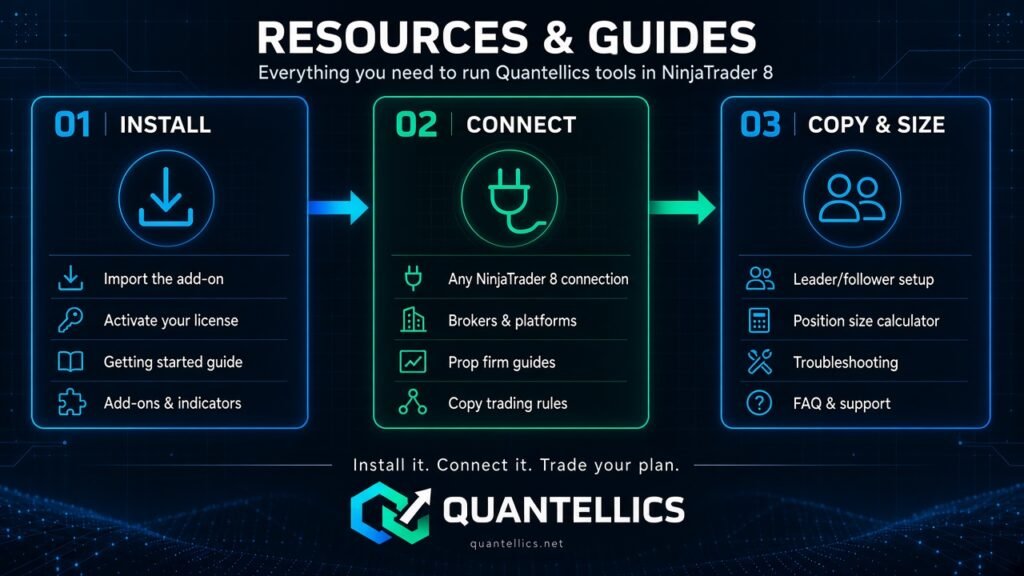
Everything you need to install, set up and run Quantellics tools inside NinjaTrader 8.
Trade Copier
Overview
What the copier does and how the guides fit together.
Install and licensing
Import the add-on into NinjaTrader 8 and activate your license.
Broker connections
Use any connection NinjaTrader 8 supports.
Leader/follower and sizing
Set up a master account and size each follower with our position size calculator.
Troubleshooting
Fix import errors and out-of-sync accounts.
FAQ
Licensing, trial, billing and refunds.
Getting started and prop firms
Getting started with NinjaTrader
Install a Quantellics indicator, strategy or add-on step by step.
Installing NinjaTrader add-ons and indicators
The 60-second import process.
Prop firm copy trading rules
What to check before you copy across funded accounts.
Prop firms guide
Our overview of futures prop firms.
Brokers and platforms
Brokers and platforms that work with NinjaTrader.
Comparing trade copiers
How Quantellics compares with other NinjaTrader copiers.
Need help with something else?
Support comes directly from the developer, at no extra cost.