A generic checklist for copying trades across funded and evaluation accounts.
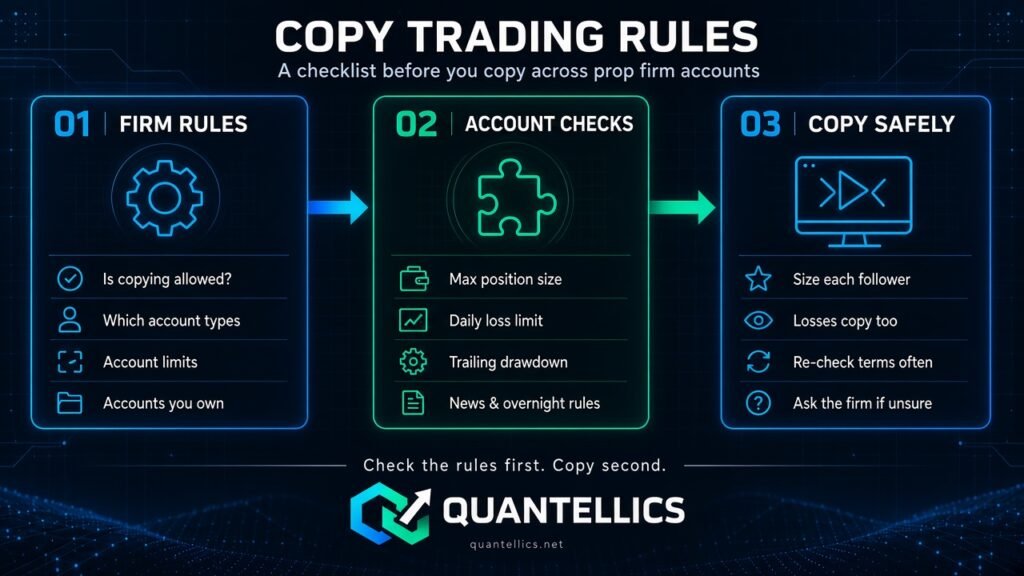
Important: prop firm rules vary by firm and account type and change often. This page is general guidance only, not a summary of any specific firm’s rules. Always read each firm’s current terms, or ask the firm directly, before connecting accounts to a trade copier.
Is copying allowed?
- Check whether the firm allows trade copiers and automation at all, and on which account types (evaluation, funded, live).
- Check whether copying between your own accounts is treated differently from copying someone else’s signals.
- Check any limit on how many accounts you can hold or copy to.
Account ownership
- Many firms require every account to belong to you personally.
- Copying to or from accounts owned by other people may break firm rules.
- Check rules about trading the same direction across accounts or hedging between them.
Size and drawdown
- Check each account’s max position size and contract limits.
- Size each follower separately so it fits that account’s limits. Our position size calculator helps plan contracts per account.
- Know each account’s daily loss and trailing drawdown rules; a copier will replicate losing trades too.
Other common rules
- Consistency rules on daily profit.
- News trading restrictions.
- Overnight and weekend holding rules.
- Rules on VPS use, device or IP address.
Using the Quantellics Trade Copier
The Trade Copier runs locally inside NinjaTrader 8 on your own machine, against accounts you have already connected. It sizes each account independently (plan sizes with our position size calculator). It does not override or enforce any firm’s rules; you are responsible for complying with the rules and policies of each brokerage or proprietary trading firm.