01 / Stop first
Size around your setup
Choose a stop based on your trading plan, then calculate the quantity. Trade-type presets are editable starting points, not volatility forecasts or trading signals.
CME: proper position size ↗Set your limits. Size your futures trade.
Resets target and drawdowns to historical defaults. Verify your firm’s current rules.
The method
The calculator preserves the journal’s sizing method and rounds down to whole contracts.
01 / Stop first
Choose a stop based on your trading plan, then calculate the quantity. Trade-type presets are editable starting points, not volatility forecasts or trading signals.
CME: proper position size ↗02 / Leave room
The displayed loss excludes commissions and execution costs. Reserve room for slippage, and use your remaining daily allowance if you have already taken losses today.
03 / Portfolio risk
Correlated trades and copied positions can multiply losses. Check combined risk across instruments and accounts, along with each account’s individual limits.
Prop firm checklist
Understand whether the loss floor is static or trailing, when it updates, and how unrealized P&L affects eligibility. A nominal $50K balance is not a $50K loss allowance.
Check the session reset time, remaining loss allowance, maximum contracts, and any news or overnight restrictions. Set your personal stop before the firm’s breach threshold.
Confirm profit targets, consistency requirements, minimum days, payout conditions, and permitted copier use for your specific program and account stage.
Rules vary by provider and can change. Consult the firm’s current agreement and dashboard. Example: Topstep’s loss-limit explanation · Quantellics prop firm resources
The Quantellics toolkit
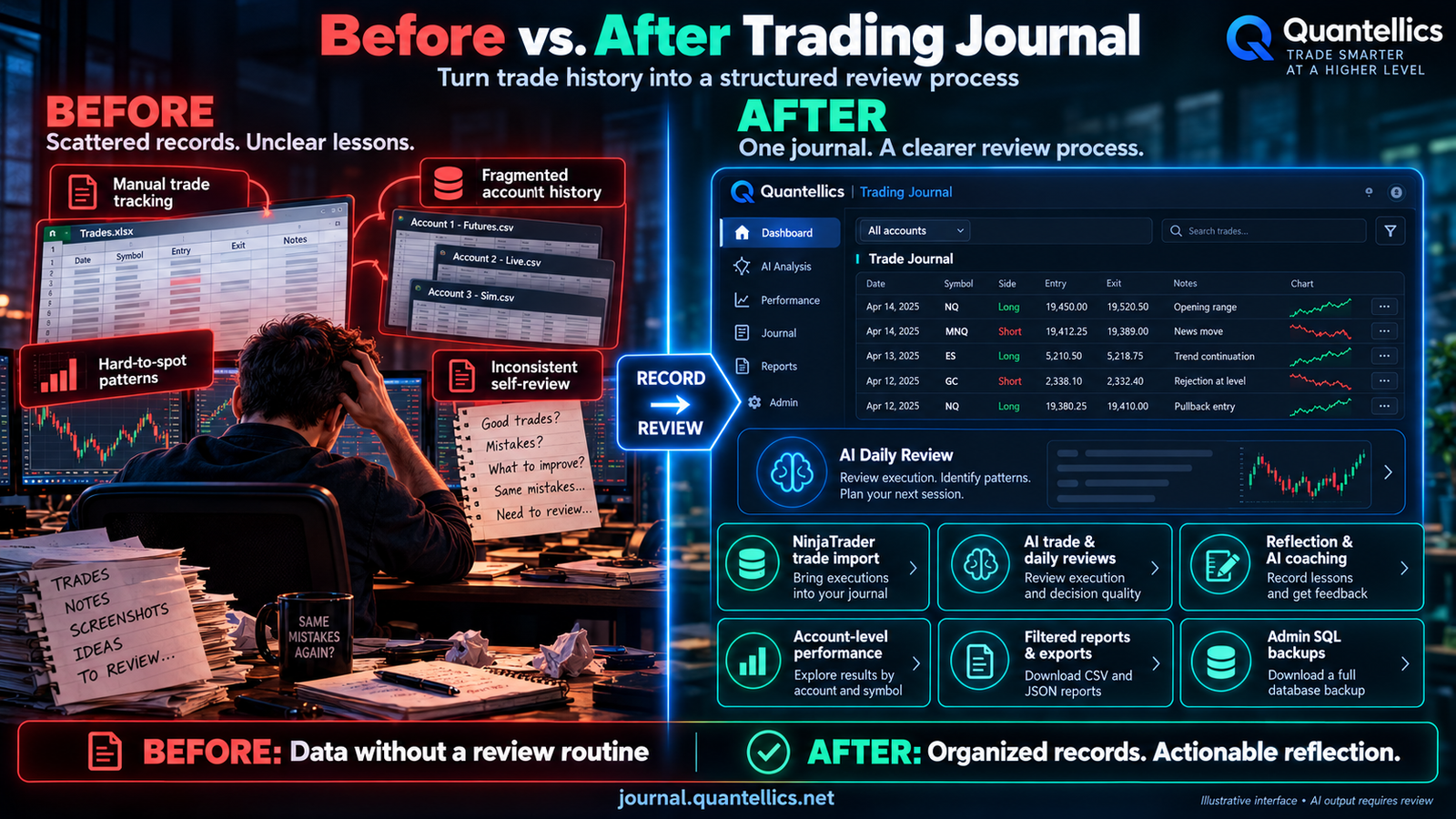
Review your execution
Capture NinjaTrader trades and review performance, setups, and decision patterns. Use each session to refine the next trading plan.
Explore AI Trading Journal ↗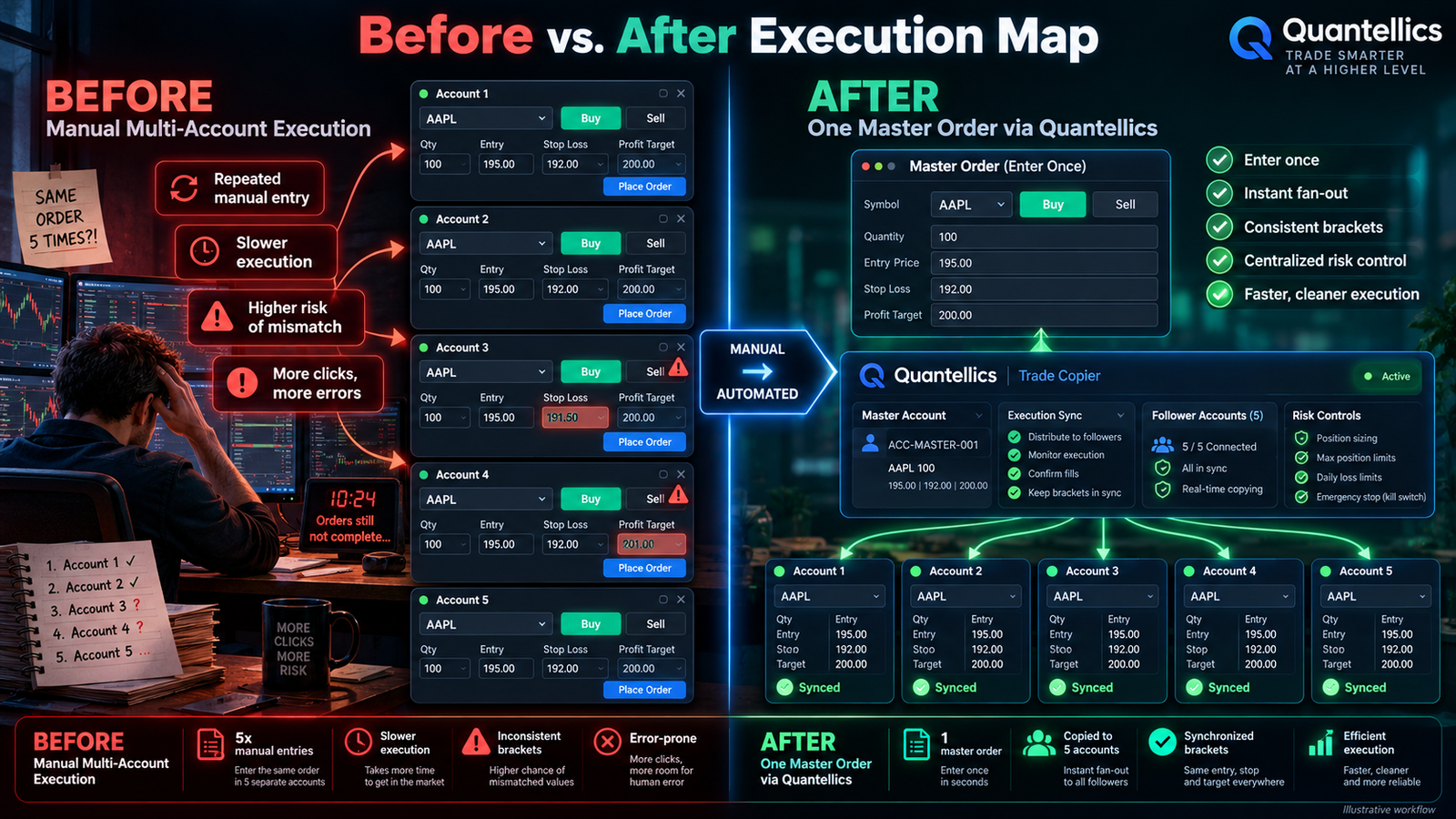
Manage multiple accounts
Explore the Quantellics Trade Copier for your multi-account workflow. Size each account against its own risk allowance before copying a trade.
Explore Trade Copier ↗Calculator notes
It is the profit target divided by the estimated take-profit amount per trade, rounded up. It assumes every trade reaches the full target, with no losses or costs. It is not an expected trade count or a probability of passing an evaluation.
The original calculator uses account risk percentage and the daily loss budget per planned losing streak. Total drawdown is a reference value only. Check your remaining distance to the firm’s loss floor separately, especially with trailing drawdown.
Changing the instrument or trade type resets stop and target distances using the journal’s Nasdaq-based presets, scaled by the full-size contract’s point value and rounded to valid ticks. Micro and mini versions use the same price distance. These are illustrative defaults; adjust them for your actual setup.
No. All calculations run locally in this single HTML file. Inputs are not sent to a server or saved between visits. Product and educational links require an internet connection.