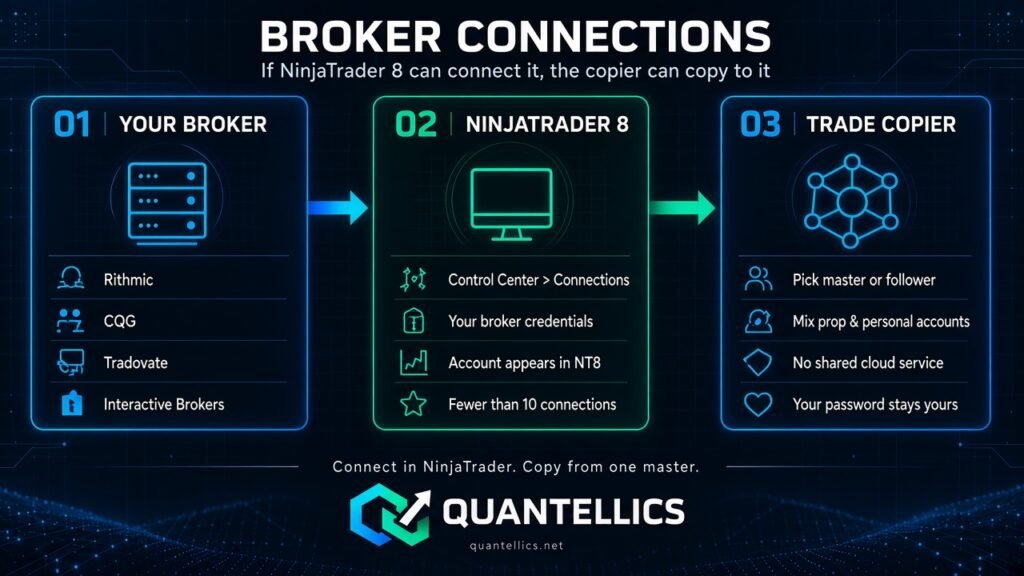
If NinjaTrader 8 can connect the account, the Quantellics Trade Copier can copy to it.
Supported connections
Any broker or data connection NinjaTrader 8 supports, for example:
- Rithmic
- CQG
- Tradovate
- Interactive Brokers
- NinjaTrader Brokerage
- Other NinjaTrader 8-supported brokers
Mix accounts freely
Because copying happens inside NinjaTrader against accounts you have already connected, you can mix prop firm accounts on different connections with your personal brokerage account, all copied from one master. Nothing routes through a shared cloud service, and you never hand your broker password to us.
How to connect an account
- Add the connection in NinjaTrader (Control Center → Connections) using the credentials from your broker or prop firm.
- Connect it and confirm the account appears in NinjaTrader.
- Open the Trade Copier and select the account as the master or a follower.
- We recommend running fewer than 10 connections at once, to avoid slow NinjaTrader processing and incomplete fills.
Connection setup itself is handled by NinjaTrader; see your broker or prop firm instructions for credentials.